

Webhooks
Connect thig.ai to your existing tools and workflows with webhooks. Send notifications when events occur or receive data from external services.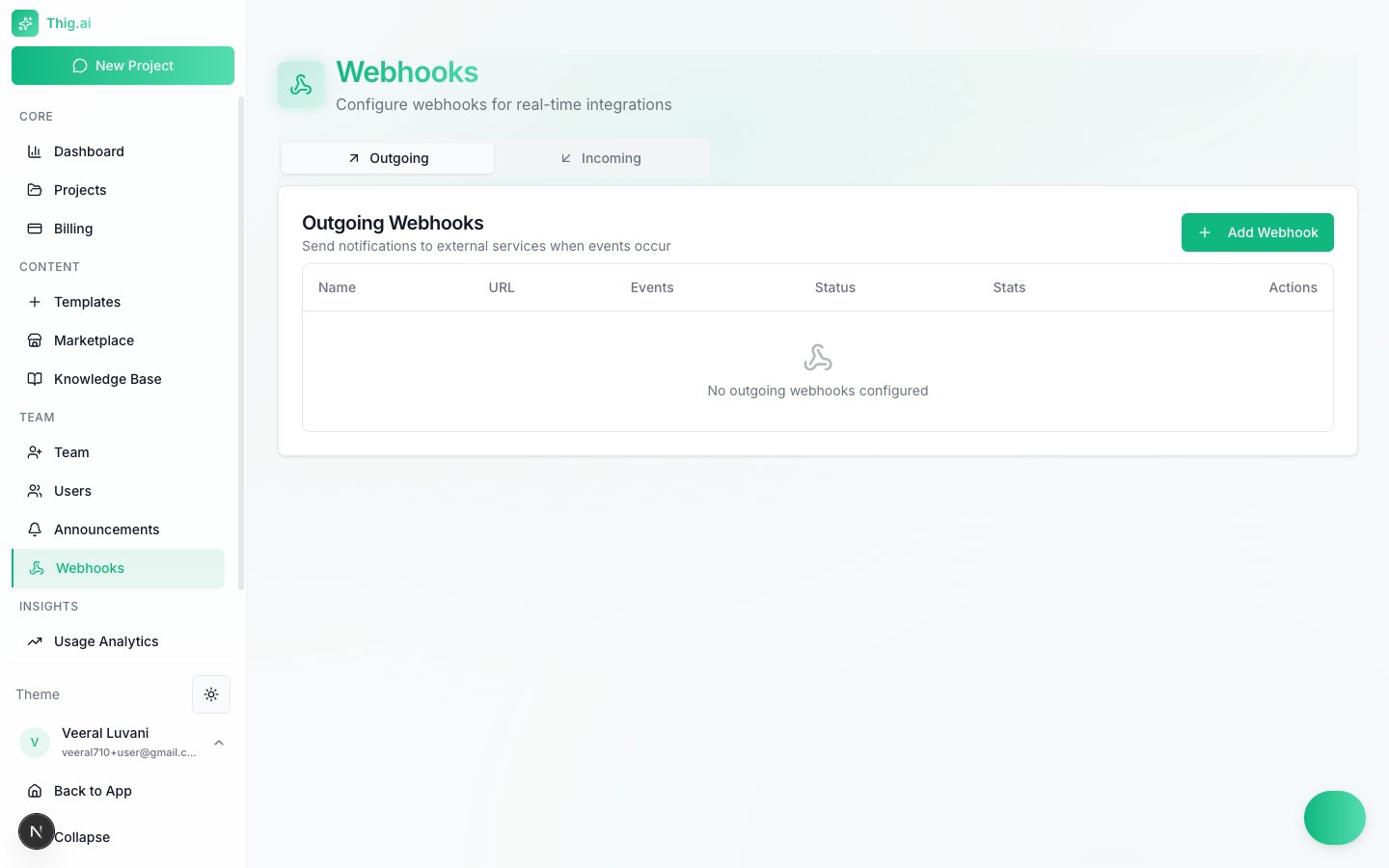
Manage outgoing and incoming webhooks from the Webhooks page
Outgoing Webhooks
Send HTTP POST notifications to external services whenever specific events occur in your organization.Creating an Outgoing Webhook
- Go to Webhooks (
/admin/webhooks) and select the Outgoing tab - Click Add Webhook
- Enter a name and the destination URL
- Select which events to listen for
- Save the webhook
Supported Events (40+ types)
Project Events
PRD Events
Comment Events
Team Events
AI Events
Billing Events
Webhook Payload
Each delivery includes a JSON body with the event type, timestamp, and relevant resource data. Headers include a signature for verification (see Security below).Delivery Stats and Retries
The webhooks table shows delivery statistics for each endpoint:- Success rate — Percentage of successful deliveries (2xx responses)
- Last delivery — Timestamp and status of the most recent attempt
- Total deliveries — Count of all delivery attempts
Incoming Webhooks
Receive data from external services by generating unique webhook URLs.Creating an Incoming Webhook
- Select the Incoming tab
- Click Add Webhook
- Name the webhook and configure the action (e.g., create a project, add a note)
- Copy the generated URL and configure it in your external service
Webhook Security
All outgoing webhook deliveries are signed with HMAC-SHA256 for verification.Verifying Signatures
Each delivery includes these headers:
To verify a delivery, compute the HMAC-SHA256 of the timestamp and payload body using your webhook secret, then compare it to the signature header.
Best Practices
- Handle retries idempotently — Use the
webhook-idheader to deduplicate deliveries. The same event may be delivered more than once. - Respond quickly — Return a 2xx status within 10 seconds. Do heavy processing asynchronously after acknowledging receipt.
- Monitor failures — Check the delivery stats regularly. Webhooks with repeated failures are automatically disabled after consecutive failures.
- Use HTTPS — Only HTTPS endpoints are accepted for outgoing webhooks.
Webhooks are available to Admin and Owner roles. Members and Viewers cannot configure webhooks.