

Billing
Manage your organization’s subscription plan and monitor usage at Billing (/admin/billing).
Plans
View exact limits for each plan on the Pricing page.
Usage Dashboard
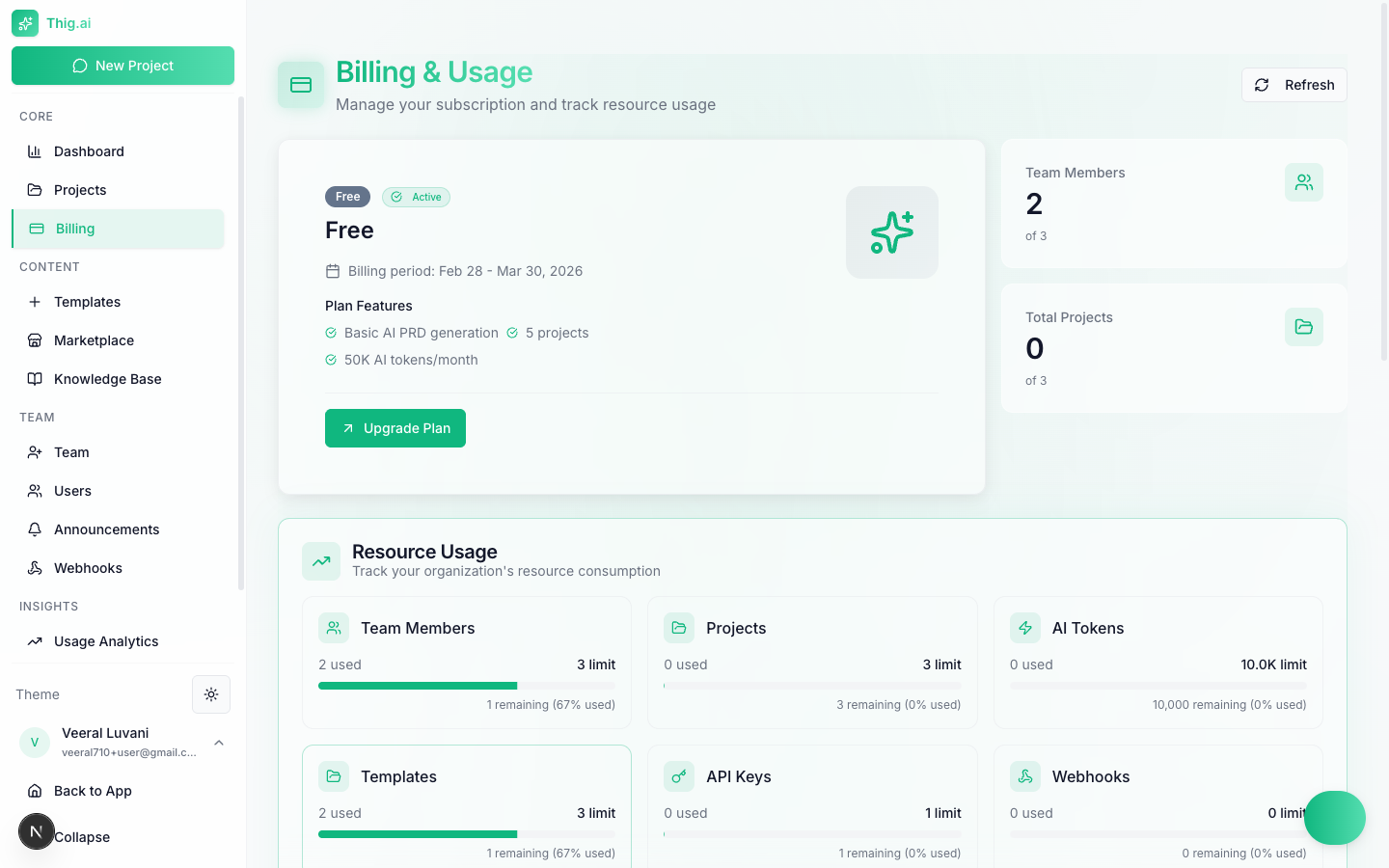
Track resource usage across your plan's limits
- Team members — Current vs. limit
- Projects — Current vs. limit
- AI tokens — Monthly usage vs. limit
- Templates — Current vs. limit
- API keys — Current vs. limit
- Webhooks — Current vs. limit
- Document uploads — Monthly count vs. limit
- Transcription minutes — Monthly usage vs. limit
- Custom domain — Allowed or not
- Green — Under 70% usage
- Yellow — 70–90% usage
- Red — Over 90% usage
Upgrading
- Click Upgrade Plan on the billing page or visit
/pricing - Select Pro or Business
- Choose monthly or annual billing
- Complete checkout via Dodo Payments
- Plan activates immediately
Managing Billing
Click Manage Billing to open the Dodo Payments portal where you can:- Update your payment method
- Download invoices
- View transaction history
- Cancel your subscription
Failed Payments & Grace Period
If a payment fails, your subscription enters a past due state with a 7-day grace period:- Day 0 — Payment fails. You receive a notification. All features remain active.
- Days 1–7 — Grace period. You can update your payment method to resolve the issue.
- Day 7 — If unresolved, your organization is automatically downgraded to the Free plan. The owner receives a cancellation email.