

Team Announcements
The Announcements page (/admin/notifications) lets admins and owners broadcast important updates to the entire organization. Use announcements to communicate PRD standards, template updates, process changes, and other team-wide information.
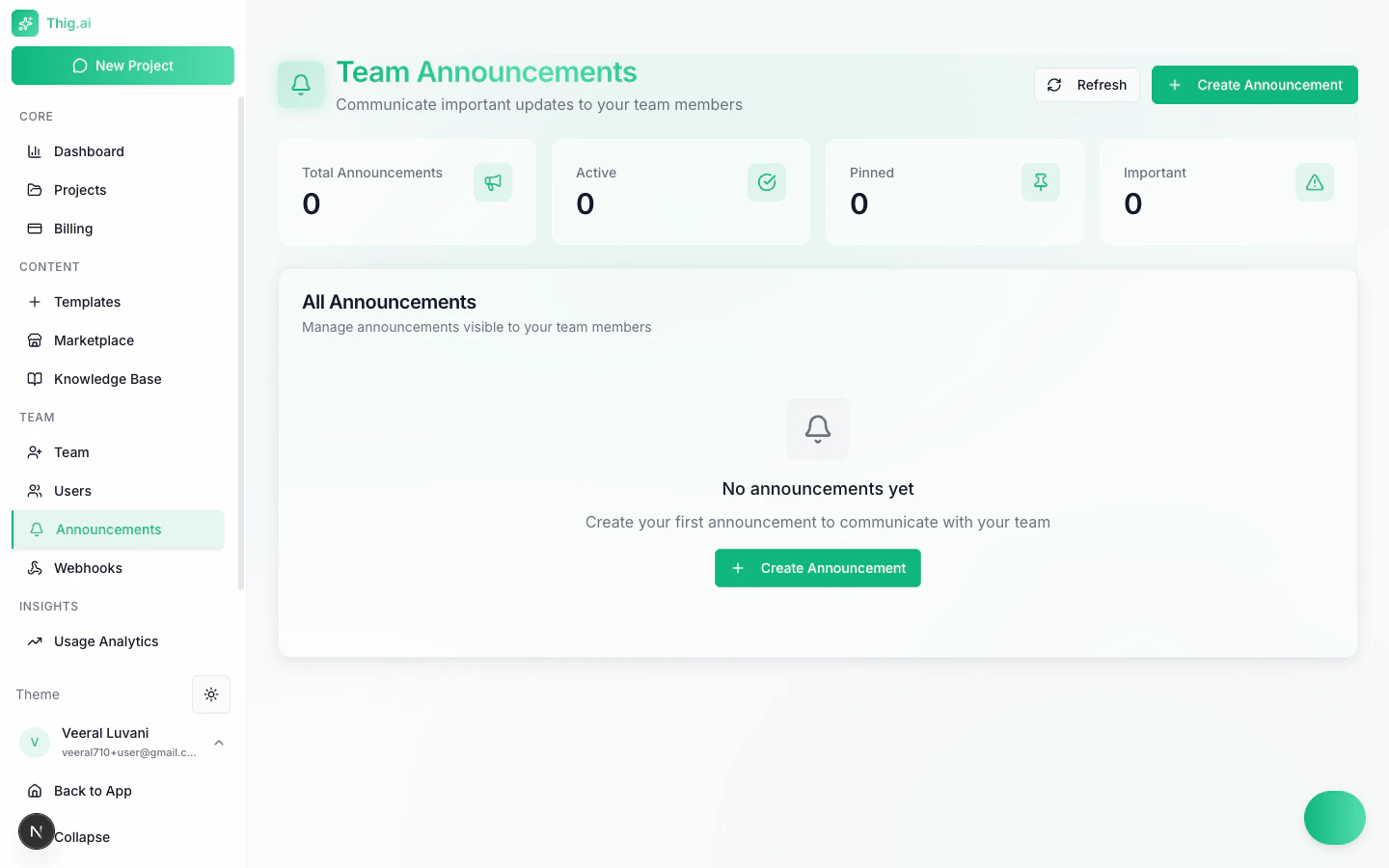
Announcements page with stats and announcement list
Overview Stats
Four summary cards at the top of the page track announcement activity:Creating an Announcement
- Click the Create Announcement button
- Fill in the announcement details:
- Title — A clear, concise headline
- Message — The full announcement body
- Type — Info, Warning, Success, Error, or Announcement
- Pinned — Toggle to keep the announcement at the top
- Expiration date — Optional date when the announcement automatically deactivates
- Click Create to publish
Announcement Types
Choose the type that best matches your message:
Each type is displayed with a distinct visual style so team members can quickly assess the importance.
Managing Announcements
From the announcements list, you can:- Pin / Unpin — Pinned announcements always appear at the top
- Mark as Important — Highlight critical announcements for visibility
- Activate / Deactivate — Control whether the announcement is currently shown
- Edit — Update the title, message, type, or expiration
- Delete — Permanently remove the announcement
How Team Members See Announcements
- Active announcements appear in the notification panel accessible from the dashboard
- Pinned announcements are shown prominently at the top of the admin dashboard
- Members can view announcements but cannot create, edit, or delete them
Announcements are scoped to your organization. Only members of your organization will see them. Viewers can see announcements if the feature is enabled in Feature Access.
Best Practices
- Be specific — Include actionable details rather than vague updates
- Set expiration dates — Prevent stale announcements from cluttering the feed
- Use types consistently — Reserve Warning and Error for genuinely important items
- Pin sparingly — Too many pinned announcements reduce their effectiveness
- Review regularly — Deactivate or delete announcements that are no longer relevant