

Getting Started
This guide covers the core concepts and navigation of thig.ai.Platform Overview
thig.ai is organized around these key areas:Navigation
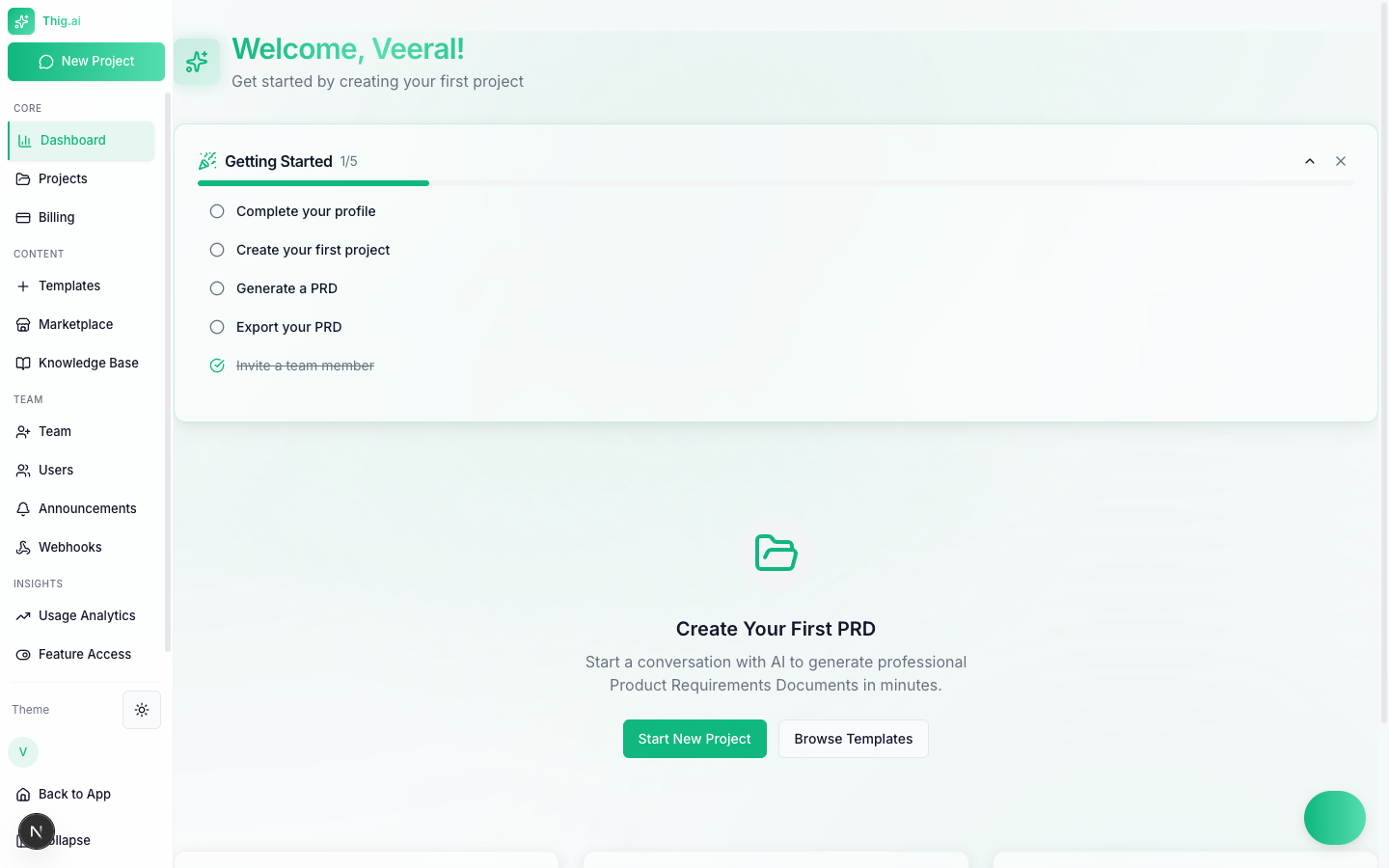
The admin dashboard with sidebar navigation
- Core — Dashboard, Projects, Billing
- Content — Templates, Marketplace, Knowledge Base
- Team — Team Members, Announcements, Webhooks (admin only)
- Insights — Usage Analytics, Feature Access
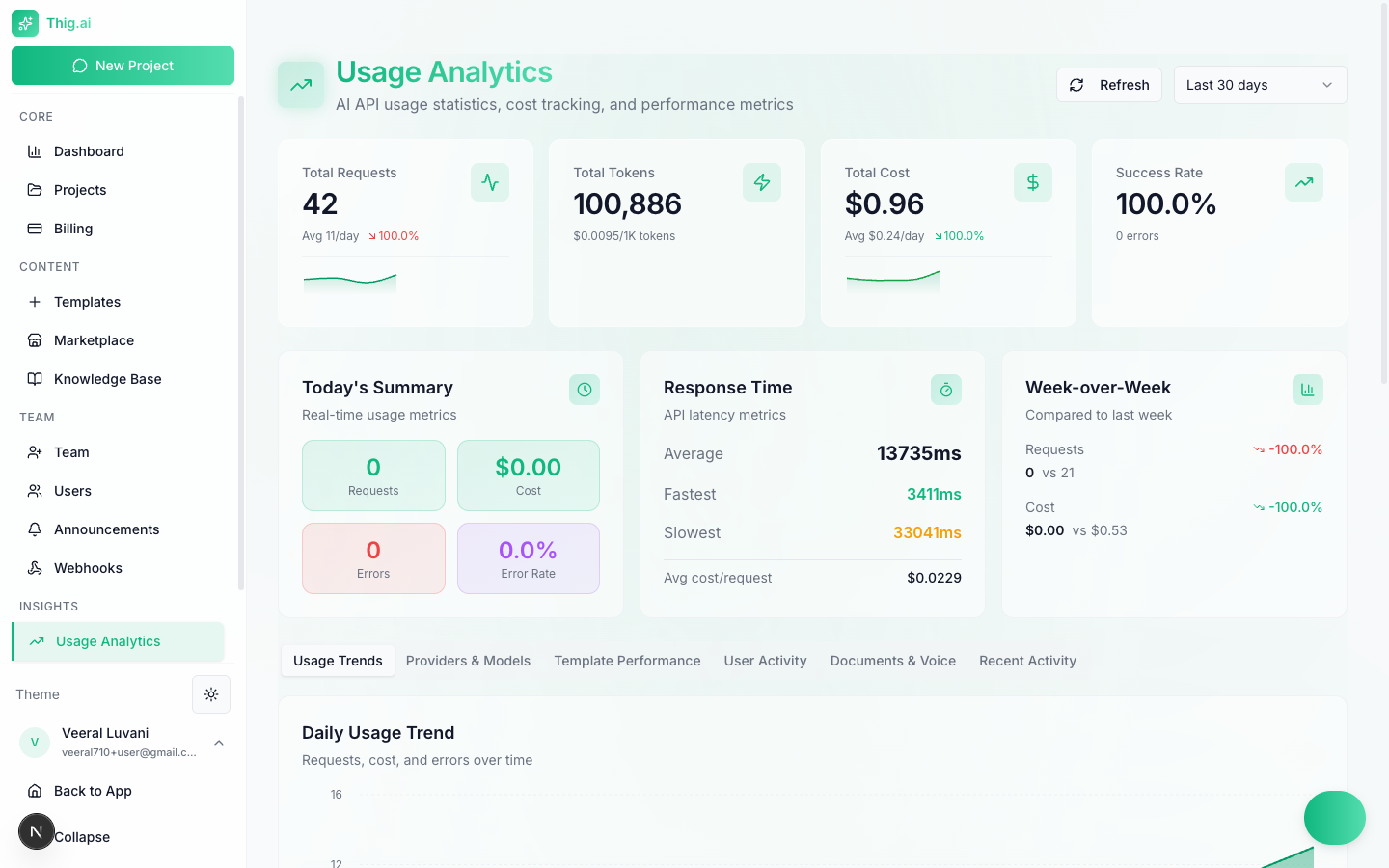
Usage Analytics with real-time cost tracking and performance metrics
- Settings — AI Settings, API Keys, Branding, Integrations, and more
User Roles
thig.ai uses a three-tier role system:Organization Roles
What Each Role Can Do
- Create projects: Owner, Admin, Member
- Manage templates: Owner, Admin
- Invite team members: Owner, Admin
- View analytics: All roles
- Manage billing: Owner only
- Configure settings: Owner, Admin
AI Providers
thig.ai supports three AI providers:OpenAI
GPT-4 and GPT-4o models
Anthropic
Claude models
Google Gemini
Gemini Pro models
- Use platform-provided keys (included with your plan)
- Bring your own keys (BYOK) for any provider
- Set a default provider per organization
Dark Mode
Toggle between light and dark themes using the theme button in the sidebar or via the Command Palette.Next Steps
Create Your First Project
Start an AI conversation to build a PRD
Set Up Your Team
Invite members and configure roles