

Projects
Projects are the core unit in thig.ai. Each project contains an AI conversation, a generated PRD document, files, comments, and stakeholder views.Creating a Project
There are several ways to create a project:- From the Chat page (
/chat) — Pick a template or start blank - From the Dashboard — Click “New Chat” in the sidebar
- Command Palette — Press
Cmd+Kand select “New Project” - Projects page — Click the “New Project” button
From a Template
- Browse templates by category (SaaS, Mobile, eCommerce, etc.)
- Click a template card to preview its structure, sections, and sample questions
- Enter a project name
- Click “Create Project” to start the AI conversation
Quick Start
Use the quick-start flow to create a project from a pre-configured template with minimal setup.Project Statuses
Projects progress through seven statuses:
Change status from the project’s status badge (click to open the status selector) or from the Projects table.
Managing Projects
Projects Table (/admin/projects)
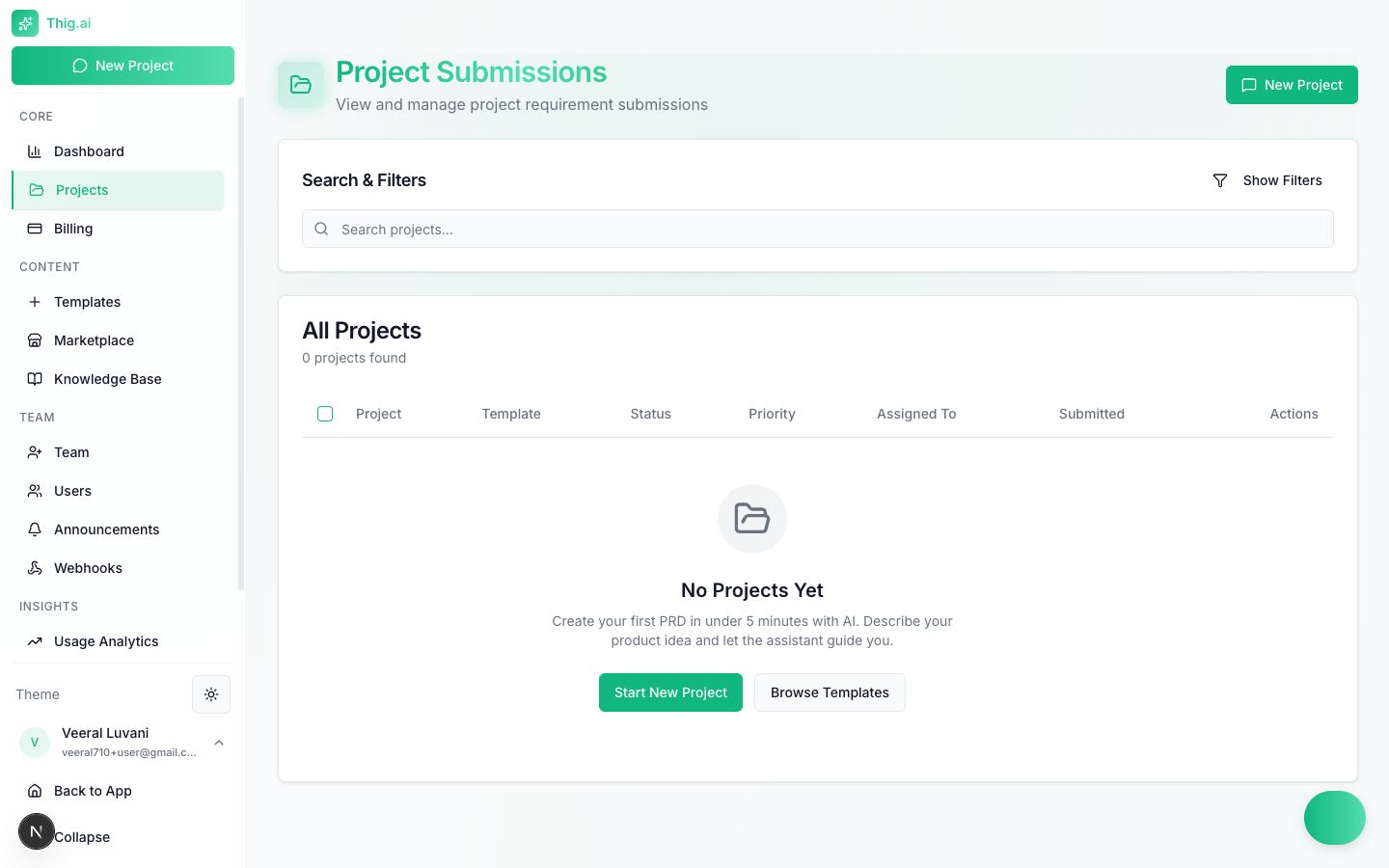
Projects list with search, filters, and status badges
- Search — Filter by project name
- Status filter — Show only projects in a specific status
- Sort — By name, date, or status
- Per-row actions — View PRD, edit, download, share, delete
Bulk Actions
Select multiple projects to:- Bulk delete — Remove selected projects
- Bulk status change — Move all to a new status
- Bulk export — Download PDFs/HTML/DOCX for all selected
- Bulk assign — Assign all to a team member
Project Assignment
Assign projects to specific team members for accountability. Assigned projects appear in that member’s filtered view.Project Details
Each project has:- AI Conversation — The chat history with gathered requirements
- PRD Document — The generated document with version history
- Files — Uploaded documents and images organized in folders
- Comments — Threaded discussions on the PRD
- Stakeholder Views — AI-generated perspective documents
- External Links — URLs to related resources (Figma, Jira, GitHub, etc.)
- Activity Feed — Timeline of all project events
- Status History — Timeline of status changes with notes
Project Types
Projects have two types:
To create a Product project, set the project type to “Product” when creating or editing a project.
Portfolio View
Switch to Portfolio view on the Projects page to see products with their linked sub-features:- Product projects appear as expandable cards showing all linked features
- Standalone projects (not linked to any product) appear separately
- Each product shows a progress summary across its sub-features
- Filter by workspace to see only one team’s products
- Open the project’s action menu
- Select Link to Product
- Choose the parent product project
Assigning Projects to Workspaces
Projects can be assigned to team workspaces for organizational clarity:- Open the project’s action menu
- Select Assign to Workspace
- Choose the target workspace
Chat Export
Export the AI conversation history in multiple formats:- PDF — Formatted conversation transcript
- CSV — Spreadsheet-compatible data
- JSON — Raw data for integrations