> ## Documentation Index
> Fetch the complete documentation index at: https://docs.thig.ai/llms.txt
> Use this file to discover all available pages before exploring further.
# Introduction
> Welcome to thig.ai — the AI-powered PRD generator for product teams
# Welcome to thig.ai
thig.ai is a multi-tenant SaaS platform that helps product teams create comprehensive Product Requirements Documents through AI-powered conversations. Instead of staring at a blank document, simply chat with AI and let it guide you through building a complete PRD.
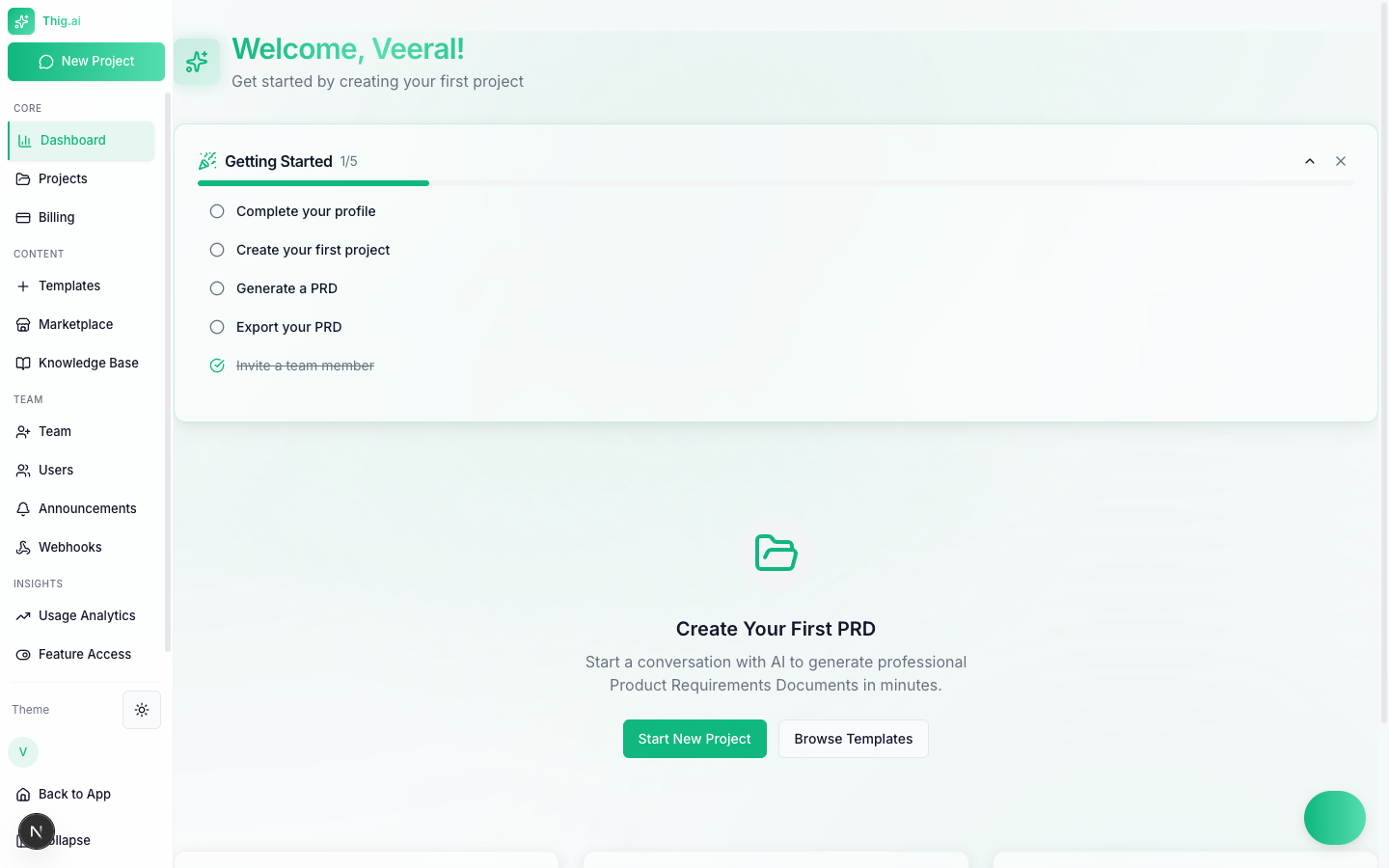 ## How It Works
Choose from the marketplace or create your own template that defines the PRD structure and AI behavior.
Have a guided conversation where AI asks intelligent questions to gather your product requirements.
One click generates a complete, structured PRD from your conversation — ready for review.
Edit with a rich text editor, get AI coaching, collaborate with your team, and export to PDF, DOCX, Notion, or Google Docs.
## Key Features
Choose between OpenAI, Anthropic (Claude), or Google Gemini with smart task-based model selection. Bring your own API keys or use platform-provided ones.
Full-featured editor with markdown, tables, images, version history, AI coaching, and writing assistance.
Browse curated templates for SaaS, Mobile, eCommerce, FinTech, Healthcare, and more — or submit your own for approval.
Generate user stories, technical specs, roadmaps, wireframes, launch content, and code specs from your PRD.
Share projects, leave comments, see who's online, organize team workspaces, and send PRDs for stakeholder approval.
Export to PDF, HTML, DOCX, Notion, Google Docs, or Confluence. Schedule recurring exports with email delivery.
## Enterprise Features
Multi-approver workflows for PRD publishing, exporting, and deletion with configurable thresholds.
MFA, IP allowlisting, comprehensive audit logs with CSV/JSON export, and AES-256-GCM encryption.
225+ endpoints with API key authentication, rate limiting, and webhook integrations with 40+ event types.
Configure AI model tiers per task, restrict allowed models, and manage cost across your organization.
## Get Started
Create your first PRD in under 5 minutes
Projects, workspaces, portfolios, KB, AI memory — how they connect
Build integrations with our REST API
MFA, audit logs, approval workflows, and more
## How It Works
Choose from the marketplace or create your own template that defines the PRD structure and AI behavior.
Have a guided conversation where AI asks intelligent questions to gather your product requirements.
One click generates a complete, structured PRD from your conversation — ready for review.
Edit with a rich text editor, get AI coaching, collaborate with your team, and export to PDF, DOCX, Notion, or Google Docs.
## Key Features
Choose between OpenAI, Anthropic (Claude), or Google Gemini with smart task-based model selection. Bring your own API keys or use platform-provided ones.
Full-featured editor with markdown, tables, images, version history, AI coaching, and writing assistance.
Browse curated templates for SaaS, Mobile, eCommerce, FinTech, Healthcare, and more — or submit your own for approval.
Generate user stories, technical specs, roadmaps, wireframes, launch content, and code specs from your PRD.
Share projects, leave comments, see who's online, organize team workspaces, and send PRDs for stakeholder approval.
Export to PDF, HTML, DOCX, Notion, Google Docs, or Confluence. Schedule recurring exports with email delivery.
## Enterprise Features
Multi-approver workflows for PRD publishing, exporting, and deletion with configurable thresholds.
MFA, IP allowlisting, comprehensive audit logs with CSV/JSON export, and AES-256-GCM encryption.
225+ endpoints with API key authentication, rate limiting, and webhook integrations with 40+ event types.
Configure AI model tiers per task, restrict allowed models, and manage cost across your organization.
## Get Started
Create your first PRD in under 5 minutes
Projects, workspaces, portfolios, KB, AI memory — how they connect
Build integrations with our REST API
MFA, audit logs, approval workflows, and more